Last Updated on June 20, 2026 by TrendingTechPK
Disclaimer: This article contains affiliate links. If you purchase through these links, we may earn a small commission at no extra cost to you.

Introduction About Phone Protection 2026
Smartphones today are more powerful and more expensive—than ever. Whether you’re using an iPhone, Samsung Galaxy, or Google Pixel, one accidental drop or overheating issue can cost hundreds of dollars in repairs.
The truth? Most people damage their phones with simple daily mistakes
In this guide, you’ll discover 7 proven ways to protect your smartphone in 2026, so you can extend its life, maintain resale value, and avoid unnecessary expenses.
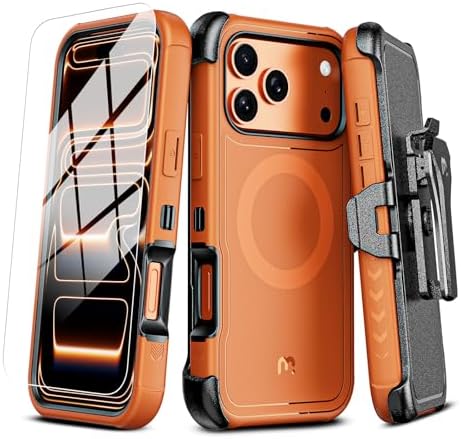
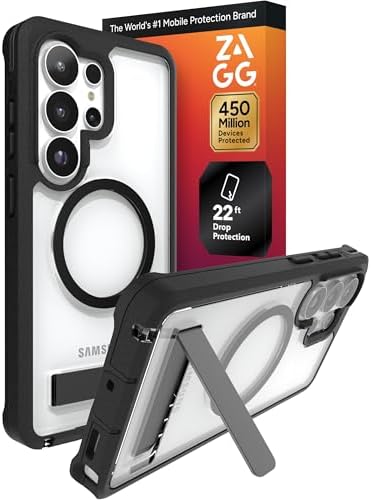
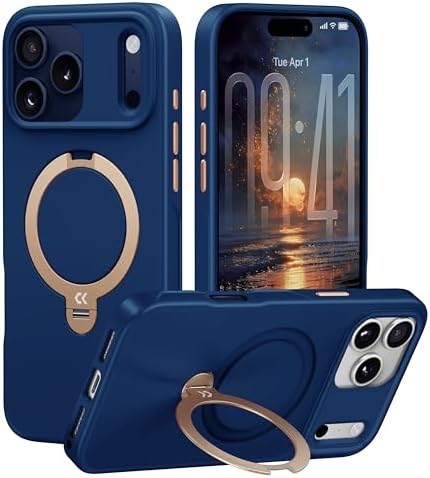
1. Use a High-Quality Protective Case
A good phone case is your first line of defense.
Without protection, even a small drop can crack your phone’s body or damage internal components.
What to look for:
- Shock-absorbing materials (TPU or silicone)
- Reinforced corners (drop protection)
- Slim but durable design
Pro Tip:
- Use slim cases for everyday use
- Use rugged cases if you’re outdoors or travel frequently
👉 Check latest protective cases on Our Amazon Storefront




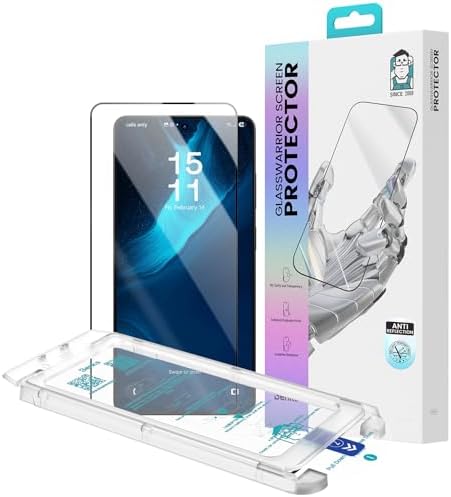
2. Never Skip a Screen Protector
Your screen is the most vulnerable part of your phone.
Even keys in your pocket can cause micro-scratches over time.
Best options:
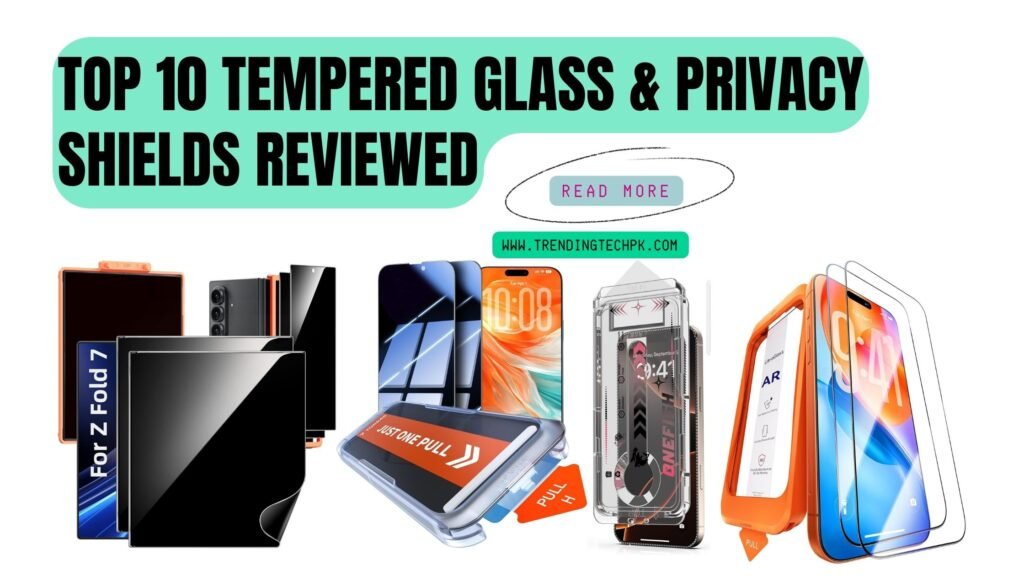
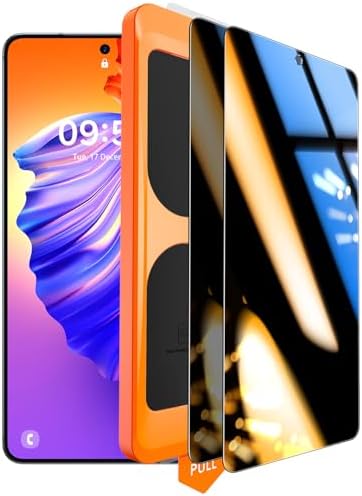
- Tempered glass protectors (maximum protection)
- Matte protectors (anti-glare + smooth feel)
Why it matters:
- Prevents cracks
- Maintains resale value
- Reduces fingerprint smudges
👉 See top-rated screen protectors here





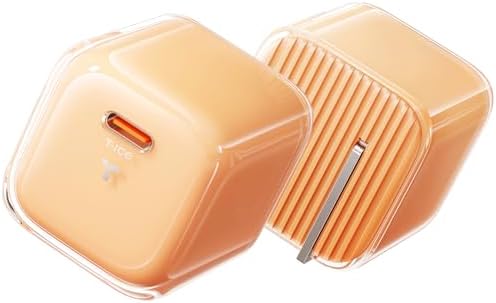
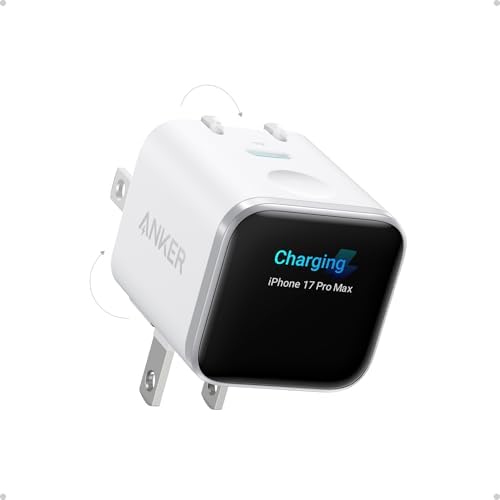
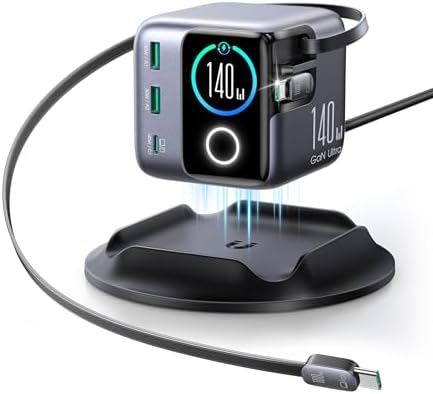
3. Avoid Cheap or Fake Chargers
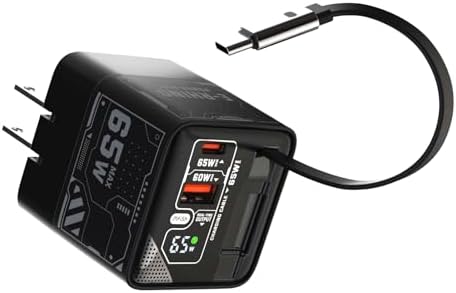
Using low-quality chargers is one of the biggest mistakes users make.
Cheap chargers can:
- Overheat your phone
- Damage battery health
- Reduce charging efficiency
Always choose:
- Certified chargers (MFi for iPhone, PD for Android)
- Trusted brands
💡 Investing in a quality charger today can save your battery long-term.
Here Are The Top Picks From Amazon.



4. Keep Your Phone Away from Heat
Heat is the #1 enemy of smartphone batteries.
Avoid:
- Leaving your phone in direct sunlight
- Gaming while charging
- Using fast charging excessively
Do this instead:
- Remove your case while charging if it gets hot
- Use your phone in cool environments
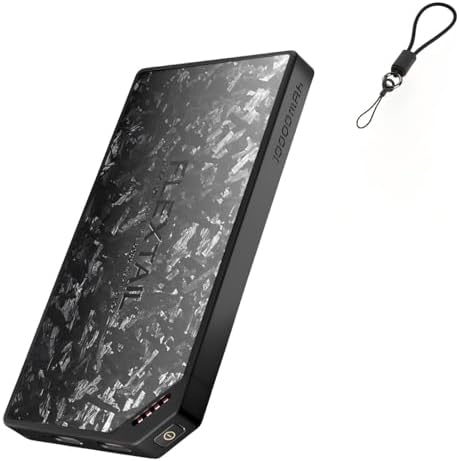
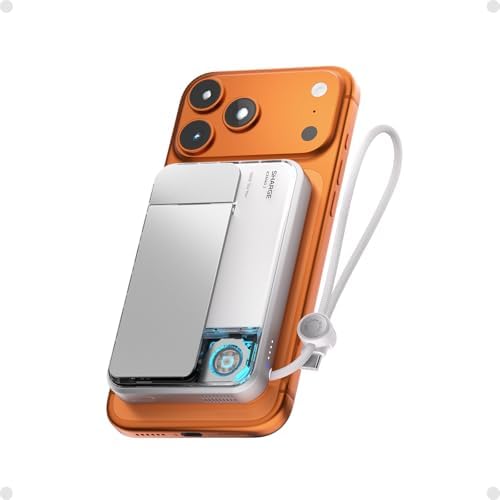
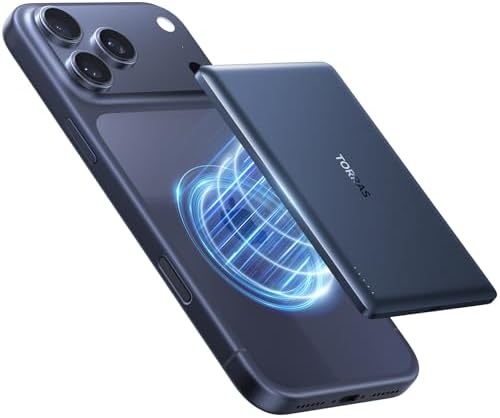
5. Use MagSafe & Wireless Accessories Smartly
MagSafe and wireless charging are convenient—but misuse can lead to overheating.
Common mistakes:
- Using thick cases with wireless chargers
- Charging overnight with poor airflow
Smart usage tips:
- Use MagSafe-compatible cases
- Avoid stacking multiple accessories
Her Are Our Top Picks From Amazon.


6. Clean Your Phone Regularly
Dust and dirt may seem harmless—but they can damage your phone over time.
Areas to clean:
- Charging port
- Speakers
- Camera lenses
How to clean safely:
- Use a soft brush or microfiber cloth
- Avoid water or harsh chemicals
7. Use a Phone Grip or Holder
Most drops happen because of poor grip.
Best solutions:
- Pop sockets
- Ring holders
- Magnetic stands
Why it works:
- Better control while using your phone
- Reduces accidental slips


![TORRAS 2025 Upgrade [Dual-Ring] Fit for MagSafe Phone Grip Ring H...](https://m.media-amazon.com/images/I/41yiFDZeBSL._AC_.jpg)
🔗 (Recommended Reads)
Conclusion
Protecting your smartphone isn’t complicated—but it requires the right habits and accessories.
By following these 7 proven tips, you can:
- Avoid costly repairs
- Extend your phone’s lifespan
- Keep your device looking brand new
👉 Start with the basics: a good case, a screen protector, and a quality charger.
FAQs
Do phone cases really protect your device?
Yes, high-quality cases significantly reduce damage from drops and impacts.
Is a screen protector necessary in 2026?
Absolutely. Screens are stronger but still scratch easily.
Can cheap chargers damage your phone?
Yes, they can overheat and reduce battery life over time.
Why does my phone overheat while charging?
It could be due to fast charging, poor-quality chargers, or high ambient temperature.
How often should I clean my phone?
At least once a week to prevent dust buildup.